When to use it
Use as a full-window layout. Material adapts to window size and separating hinges. Save selection and pane state in the host; wire system BackHandler through detailOnly and apply screen content insets outside the scaffold.
Arrange application-owned lists and details across phones, tablets, and foldable devices.
Native example
Use as a full-window layout. Material adapts to window size and separating hinges. Save selection and pane state in the host; wire system BackHandler through detailOnly and apply screen content insets outside the scaffold.
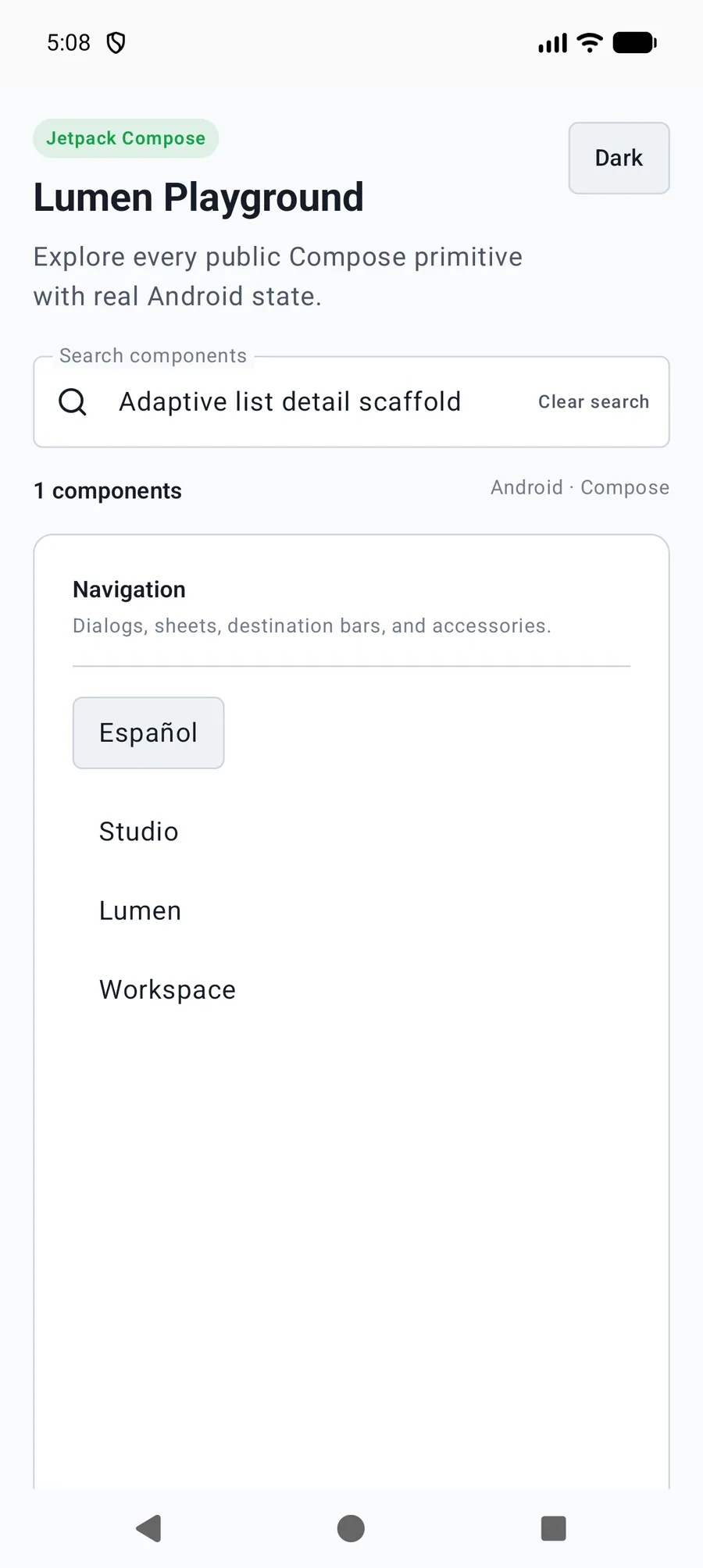
LumenAdaptiveListDetailScaffold(
    selectedKey = selectedKey, onBack = { selectedKey = null },
    listLabel = "Projects", detailLabel = "Project details",
    listPane = { ProjectList(onSelect = { selectedKey = it }) },
    emptyDetail = { LumenEmptyState("Choose a project") }
) { key, detailOnly ->
    BackHandler(enabled = detailOnly) { selectedKey = null }
    ProjectDetails(key)
}
Reference
The primary shared and platform-specific options exposed by LumenAdaptiveListDetailScaffold.
| API | Values or type | Default | Description |
|---|---|---|---|
| selectedKey / onBack | String? / () -> Unit | Required | Controls selection; null prioritizes the list. |
| listLabel / detailLabel / backLabel | String | Required / Required / Back | Names panes and compact navigation. |
| listPane / emptyDetail | @Composable () -> Unit | Required | Provides native lists and wide-window empty detail. |
| detailPane | @Composable (String, Boolean) -> Unit | Required | Receives the selected key and whether detail is the only visible pane. |
| modifier | Modifier | Modifier | Applies full-window layout. |
Native behavior
Use as a full-window layout. Material adapts to window size and separating hinges. Save selection and pane state in the host; wire system BackHandler through detailOnly and apply screen content insets outside the scaffold.
Names both panes and exposes compact back navigation without owning application routing or selection.