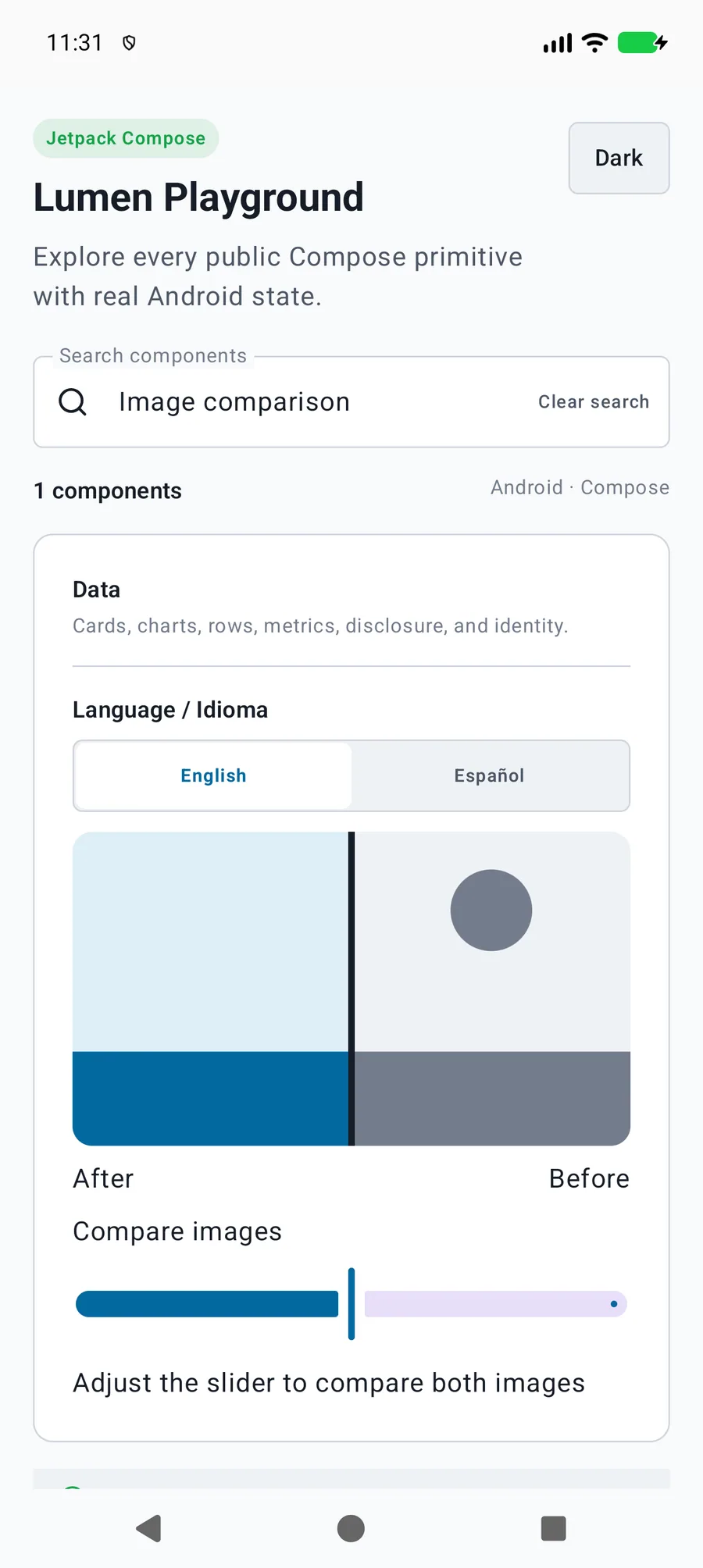
The value is the visible after fraction, clamped to zero through one; nonfinite input falls back to one half. The application owns image loading, errors, cache, fit and descriptions; provide React Native sources, SwiftUI content builders or Compose painters.
Captured exampleAndroid phone emulator
kotlin
LumenImageComparison(
    label = "Compare edits", before = beforePainter, after = afterPainter,
    value = position, onValueChange = { position = it },
    beforeLabel = "Before", afterLabel = "After"
)
Reference
Public API
The primary shared and platform-specific options exposed by LumenImageComparison.
API
Values or type
Default
Description
label
String
Required
Names the comparison adjustment.
before / after
Painter
Required
Provides native images with application-owned loading.
value / onValueChange
Float / (Float) -> Unit
Required
Controls the visible after fraction from zero through one.
modifier
Modifier
Modifier
Applies layout.
beforeLabel / afterLabel
String
Before / After
Describes each image and the adjustment state.
aspectRatio
Float
16f / 9f
Uses ratios from 0.1 through 10; other input falls back to 16:9.
fit
LumenImageFit
Cover
Chooses crop or contain behavior for both images.
locale
Locale
Locale.getDefault()
Formats the visible fraction as a localized percentage.
enabled
Boolean
true
Disables adjustment while retaining both images.
Native behavior
Design and accessibility
When to use it
The value is the visible after fraction, clamped to zero through one; nonfinite input falls back to one half. The application owns image loading, errors, cache, fit and descriptions; provide React Native sources, SwiftUI content builders or Compose painters.
Accessibility
Exposes a named native slider with localized percentage state for touch, keyboard, and screen-reader adjustment.