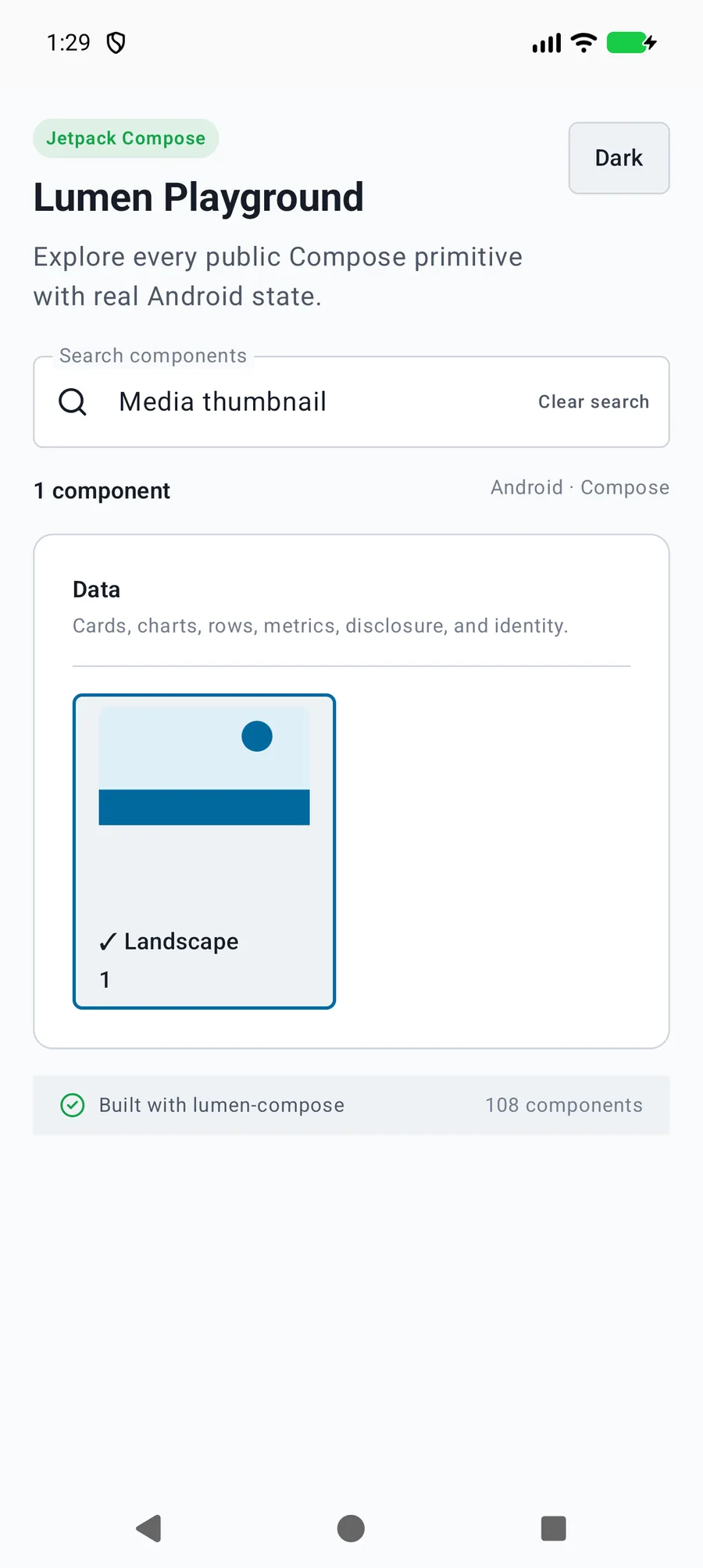
Applications own media loading, edits, selection, persistence and task lifetimes. Compose localized LumenButton move actions beside thumbnails. See the Studio media workspace guide for exact adapter contracts and supported Apple form factors.
The primary shared and platform-specific options exposed by LumenMediaThumbnail.
API
Values or type
Default
Description
label / content
String / native content
Required
Names the media surface and provides application-owned content.
Native behavior
Design and accessibility
When to use it
Applications own media loading, edits, selection, persistence and task lifetimes. Compose localized LumenButton move actions beside thumbnails. See the Studio media workspace guide for exact adapter contracts and supported Apple form factors.
Accessibility
Selected and disabled state accompanies a visible media label.