196

Search Lumen

Find components, APIs, guides, and recipes.

GitHub
Apple docs
Data displayApple

Media thumbnail

Select media with a named button, order and explicit loading/error state.

Public APILumenMediaThumbnailApple / SwiftUISwift product: LumenUI

Apple availability

Supported native targets

Import LumenUI in the target that uses this component. iPad support follows the iOS package baseline and uses native iPad layout behavior.

iPhone · iOS 16+iPad · iPadOS 16+Mac · macOS 13+Apple Vision · visionOS 1+

Native example

Use Media thumbnail

Applications own media loading, edits, selection, persistence and task lifetimes. Compose localized LumenButton move actions beside thumbnails. See the Studio media workspace guide for exact adapter contracts and supported Apple form factors.

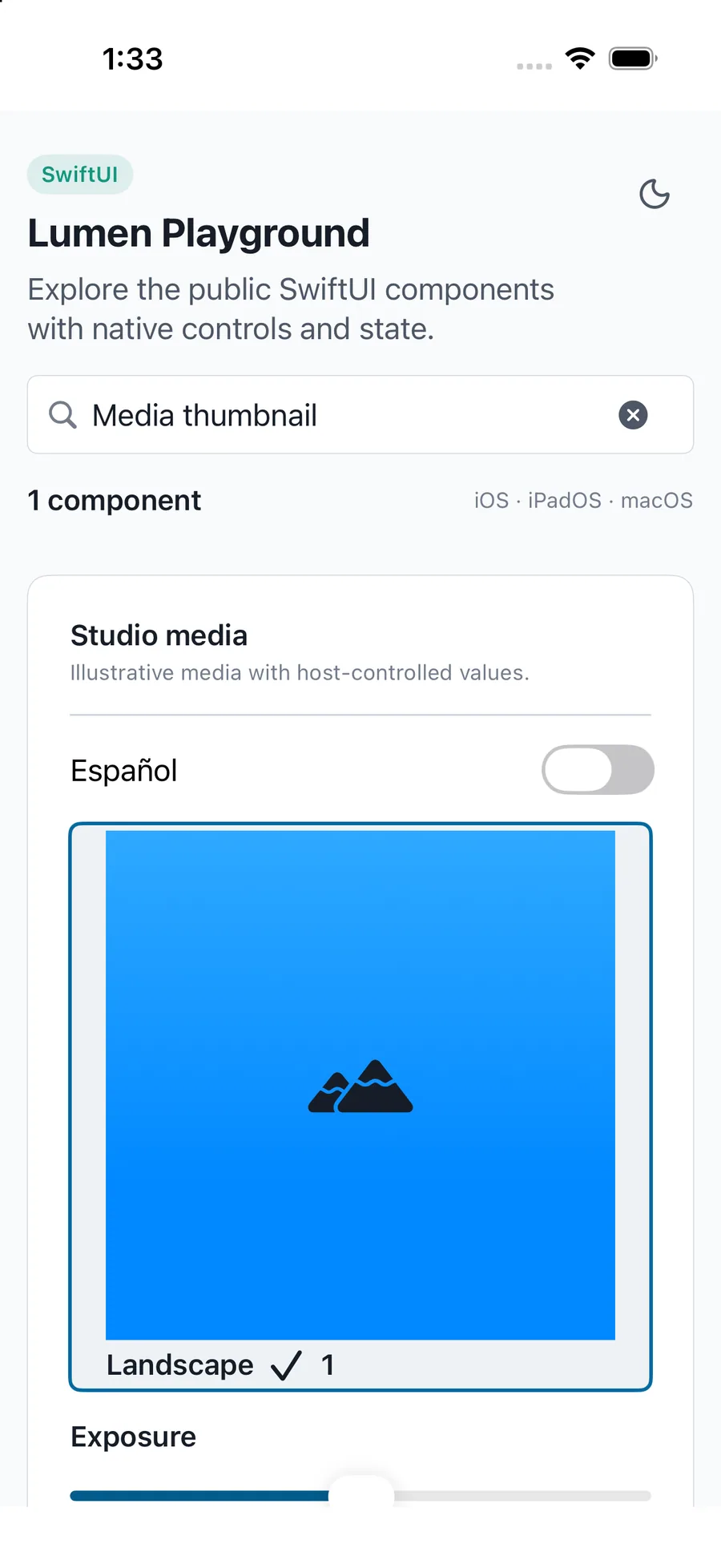
Media thumbnail rendered in the iPhone simulator Lumen playground
Captured exampleiPhone simulator
swift
LumenMediaThumbnail("Landscape", selected: selected, onSelectionChange: { selected = $0 }) { Image("photo").resizable().scaledToFit() }

Reference

Public API

The primary shared and platform-specific options exposed by LumenMediaThumbnail.

APIValues or typeDefaultDescription
label / contentString / native contentRequiredNames the media surface and provides application-owned content.

Native behavior

Design and accessibility

When to use it

Applications own media loading, edits, selection, persistence and task lifetimes. Compose localized LumenButton move actions beside thumbnails. See the Studio media workspace guide for exact adapter contracts and supported Apple form factors.

Accessibility

Selected and disabled state accompanies a visible media label.
Shared component

Available on other platforms

React NativeAndroid / Compose
Apple docsSwiftUI package