When to use it
Hosts own stable slide identities and rich content. Native paging requests bounded index changes; there is no autoplay or wrapping. Invalid host indices show recovery without rewriting state.
Page through controlled native slides with accessible navigation.
Apple availability
Import LumenUI in the target that uses this component. iPad support follows the iOS package baseline and uses native iPad layout behavior.
Native example
Hosts own stable slide identities and rich content. Native paging requests bounded index changes; there is no autoplay or wrapping. Invalid host indices show recovery without rewriting state.
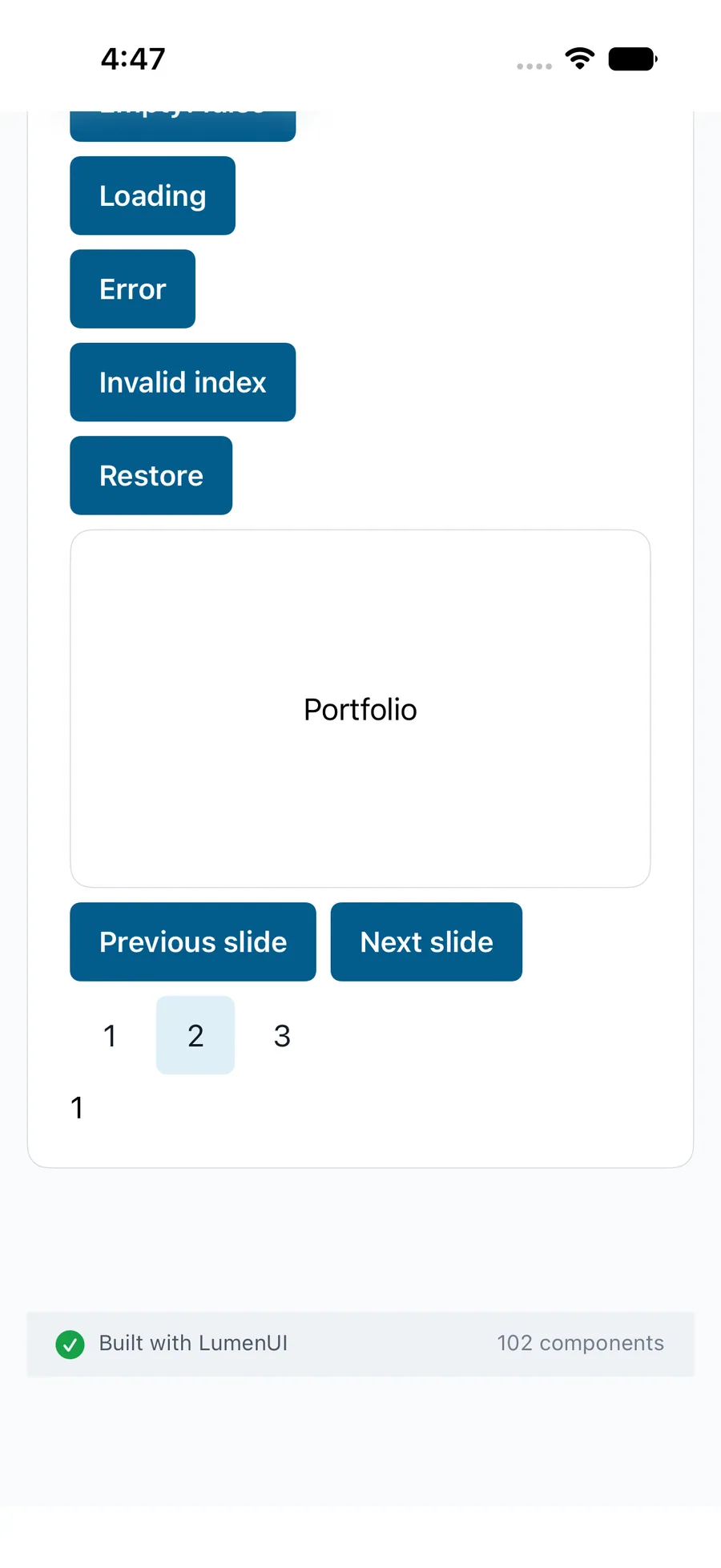
LumenCarousel("Project slides", slides: slides, index: $index) { slide, _ in LumenText(.verbatim(slide.label)) }Reference
The primary shared and platform-specific options exposed by LumenCarousel.
| API | Values or type | Default | Description |
|---|---|---|---|
| slides / index | Stable LumenCarouselSlide records / controlled integer | Required | Controls the dataset and current visible page. |
| height / disabled / status | Numeric height / boolean / ready-loading-error | 200 / false / ready | Bounds the viewport and guards native paging and result states. |
Native behavior
Hosts own stable slide identities and rich content. Native paging requests bounded index changes; there is no autoplay or wrapping. Invalid host indices show recovery without rewriting state.
Localized slide positions, named previous/next and selected indicators with native paging.
Shared component