When to use it
Hosts own civil-day conversion and rescheduling. Timed overlaps occupy lanes with minimum touch rectangles; dense days scroll horizontally. Accessible move requests are available; pointer drag rescheduling is absent.
Present timed native day columns with all-day bands and overlap lanes.
Apple availability
Import LumenUI in the target that uses this component. iPad support follows the iOS package baseline and uses native iPad layout behavior.
Native example
Hosts own civil-day conversion and rescheduling. Timed overlaps occupy lanes with minimum touch rectangles; dense days scroll horizontally. Accessible move requests are available; pointer drag rescheduling is absent.
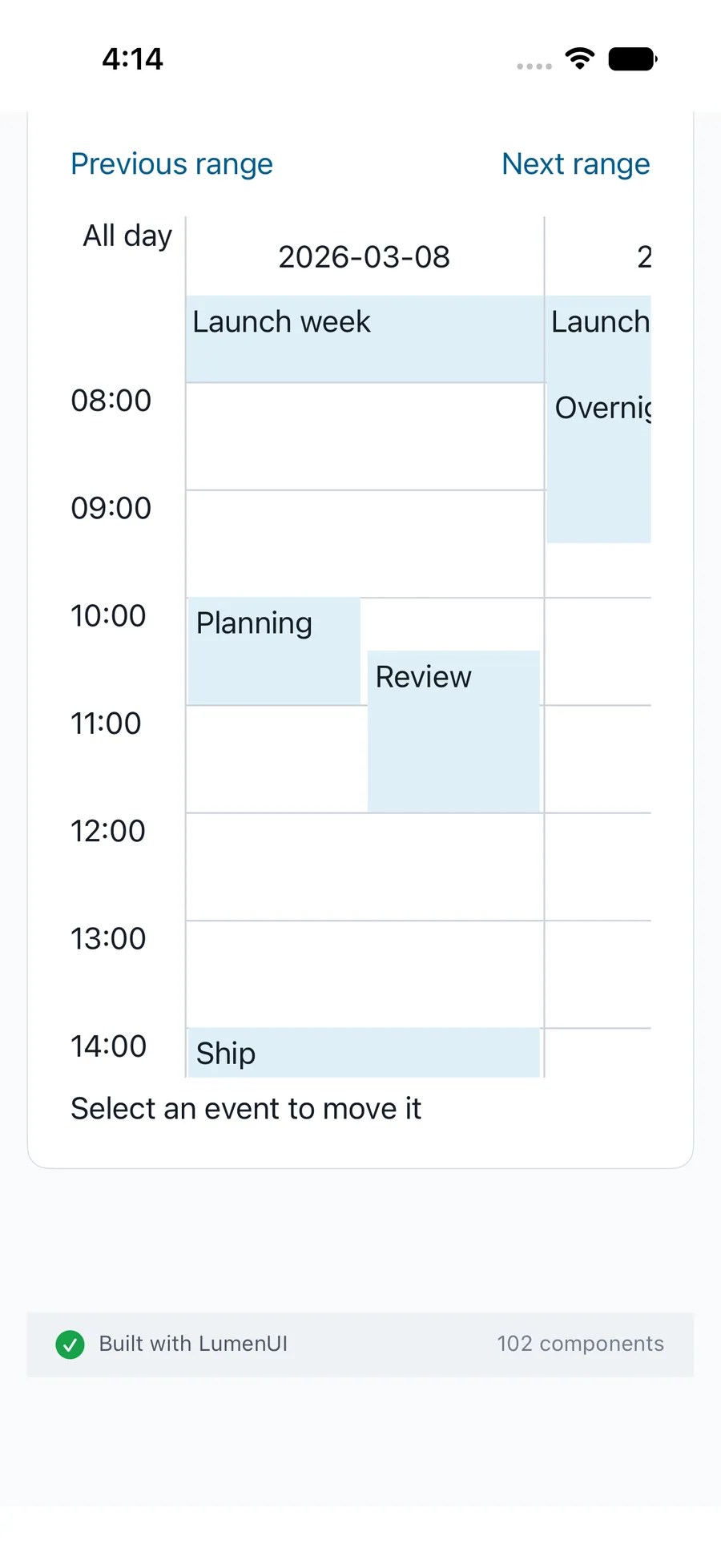
LumenSchedule("Project schedule", selectedDay: $day, events: events)Reference
The primary shared and platform-specific options exposed by LumenSchedule.
| API | Values or type | Default | Description |
|---|---|---|---|
| selectedDay / events | Controlled civil day / LumenAgendaEvent records | Required | Controls the first day and host event dataset. |
| dayCount / startHour / endHour | Bounded integers | 7 / 8 / 18 | Sets a one-to-seven-day civil wall-clock window. |
| onEventPress / onEventMove | Optional callbacks | Static presentation | Requests host detail or rescheduling actions without dataset mutation. |
Native behavior
Hosts own civil-day conversion and rescheduling. Timed overlaps occupy lanes with minimum touch rectangles; dense days scroll horizontally. Accessible move requests are available; pointer drag rescheduling is absent.
Localized event day/time names, collision-safe native targets and accessible move controls.
Shared component