When to use it
Selection applies immediately. The host owns search, asynchronous results, cancellation, and persistence. Missing selected options retain their raw value as a chip label. Localize every string and count/removal formatter.
Select multiple searchable options with controlled values and result states.
Apple availability
Import LumenUI in the target that uses this component. iPad support follows the iOS package baseline and uses native iPad layout behavior.
Native example
Selection applies immediately. The host owns search, asynchronous results, cancellation, and persistence. Missing selected options retain their raw value as a chip label. Localize every string and count/removal formatter.
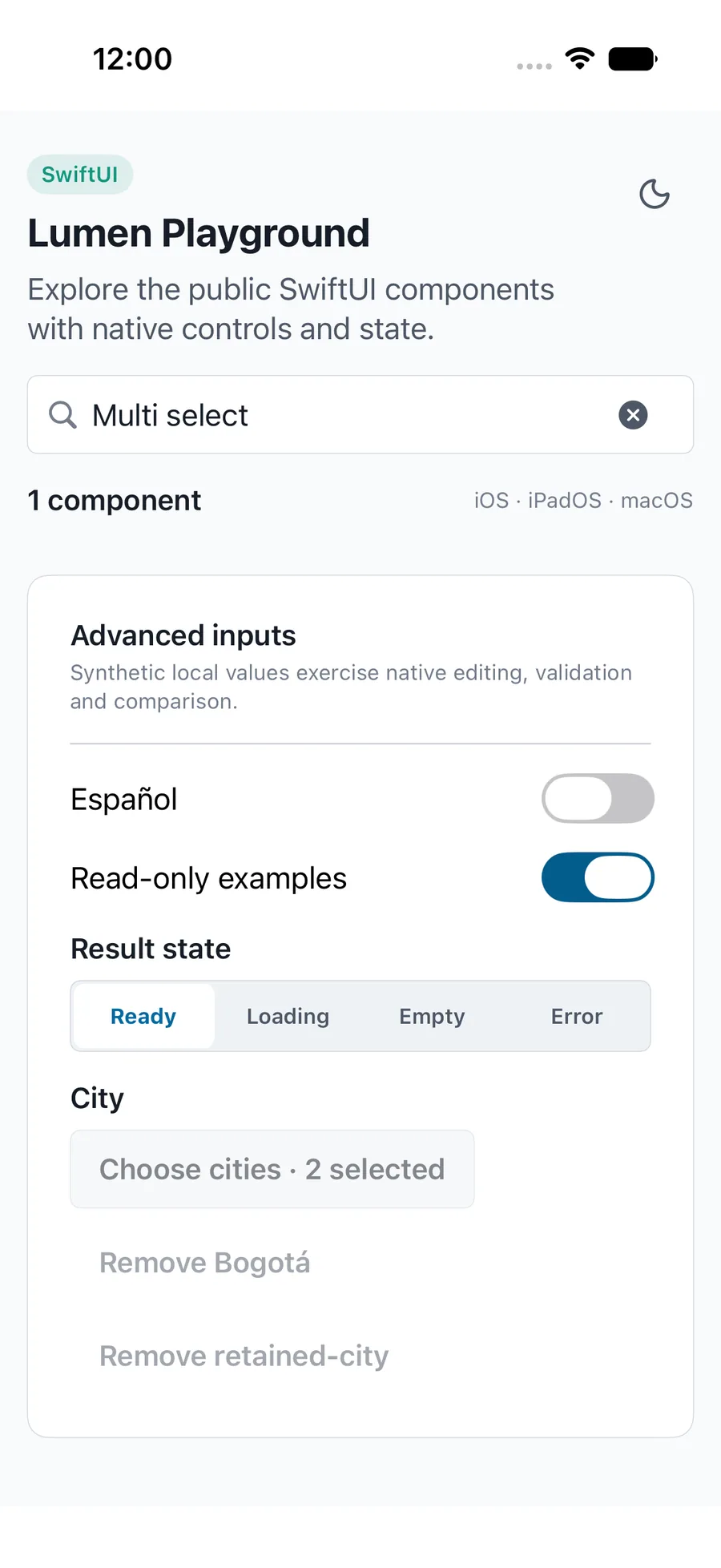
LumenMultiSelect("Teams", values: $teams, query: $query, options: matchingTeams)Reference
The primary shared and platform-specific options exposed by LumenMultiSelect.
| API | Values or type | Default | Description |
|---|---|---|---|
| label / options | String / [LumenAutocompleteOption<String>] | Required | Names the field and supplies uniquely identified, readable results. |
| values | Binding<Set<String>> | Required | Controls selection independently from visible results. |
| query | Binding<String> | Required | Controls caller-owned search. |
| loading / resultsErrorMessage / onRetry | Bool / String? / (() -> Void)? | false / null / null | Provides loading, safe error, and recovery states. |
| description / errorMessage | String? | None | Provides help and separate form validation. |
| disabled / readOnly | Bool | true / false | Blocks editing and dismisses selection. |
| chooseLabel / searchLabel / clearSearchLabel / doneLabel | String | English defaults | Localizes selection and dialog actions. |
| emptyLabel / loadingLabel / retryLabel | String | English defaults | Localizes result states. |
| selectionLabel / removeLabel | (Int) -> String / (String) -> String | English formatters | Localizes counts and chip removal. |
| — | — | None | Passes the application safe-area provider insets into the native sheet. |
| — | — | — | Applies field layout. |
Native behavior
Selection applies immediately. The host owns search, asynchronous results, cancellation, and persistence. Missing selected options retain their raw value as a chip label. Localize every string and count/removal formatter.
Uses a native dialog with named checkbox options, removal actions, validation, and read-only or disabled behavior.
Shared component