When to use it
Use a local wall-clock value rather than an epoch timestamp. Keep dates, time zones, overnight scheduling, and translated labels in the application.
Choose a local time with native clock or keyboard input and explicit confirmation.
Apple availability
Import LumenUI in the target that uses this component. iPad support follows the iOS package baseline and uses native iPad layout behavior.
Native example
Use a local wall-clock value rather than an epoch timestamp. Keep dates, time zones, overnight scheduling, and translated labels in the application.
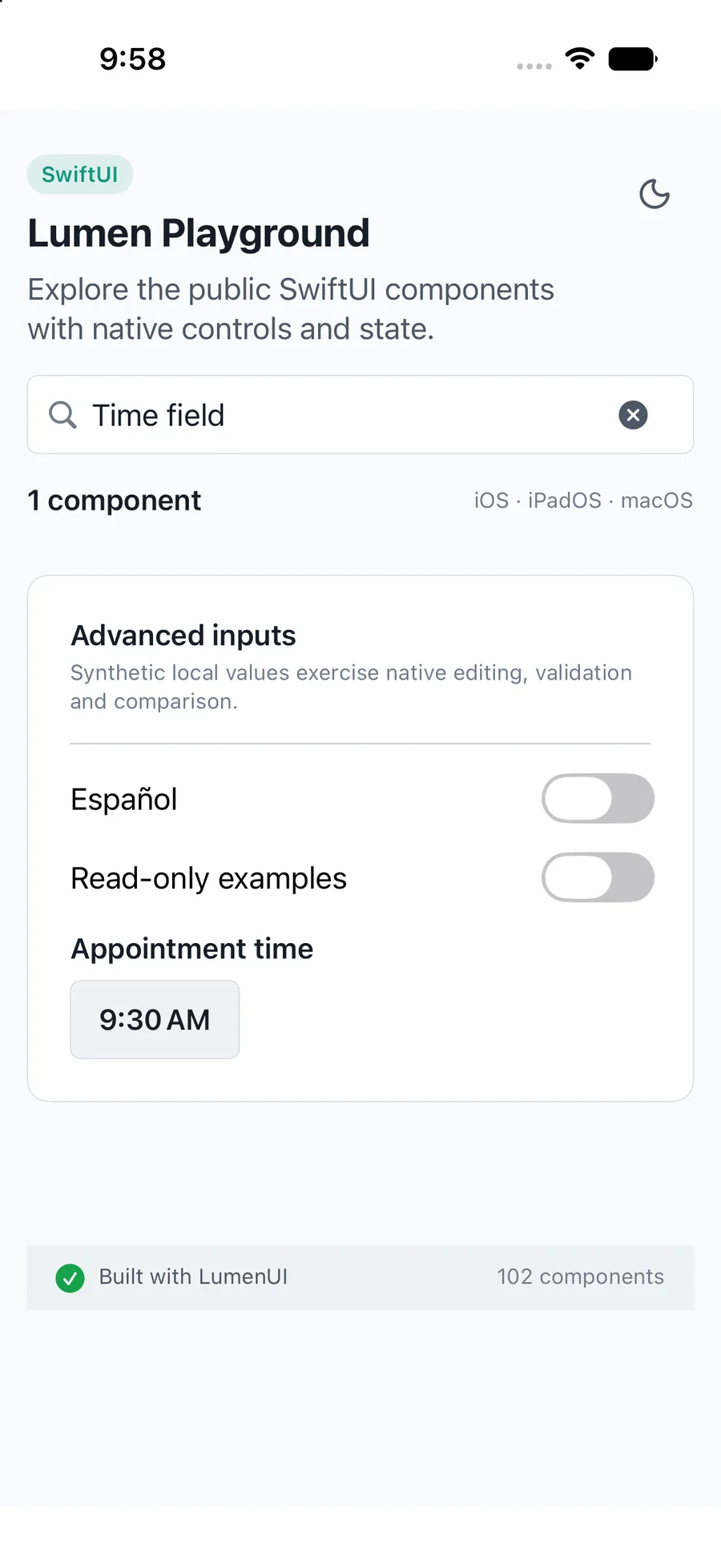
import LumenUI
import SwiftUI

struct MeetingTime: View {
    @State private var time: LumenTimeSelection? = nil
    var body: some View {
        LumenTimeField("Meeting time", selection: $time,
            minTime: LumenTimeSelection(hour: 8, minute: 30),
            maxTime: LumenTimeSelection(hour: 17, minute: 0))
    }
}
Reference
The primary shared and platform-specific options exposed by LumenTimeField.
| API | Values or type | Default | Description |
|---|---|---|---|
| _ label | String | Required | Names the time field. |
| selection | Binding<LumenTimeSelection?> | Required | Controls confirmed hour and minute. |
| minTime / maxTime | LumenTimeSelection? | nil | Inclusive same-day bounds; minimum must not exceed maximum. |
| placeholder / confirmLabel / dismissLabel / rangeErrorLabel | String | Choose a time / Confirm / Cancel / Choose a time within the allowed range | Localizes empty, confirmation, cancellation and validation copy. |
| .environment(\.locale, ...) | Locale | Environment | Formats the selected time with the native locale. |
| description / errorMessage | String? | nil | Provides localized supporting copy or host validation. |
| readOnly / .disabled(...) | Bool | false | Blocks editing; disabled state comes from the SwiftUI environment. |
Native behavior
Use a local wall-clock value rather than an epoch timestamp. Keep dates, time zones, overnight scheduling, and translated labels in the application.
Names the selected time and native dialog actions; confirmation publishes the draft, cancellation preserves the value, and disabled or read-only fields cannot open selection.
Shared component