The application supplies filtered results with unique non-null values, owns request cancellation, and clears stale selection after query edits. React Native and Compose selection emit the option label before the selected value; SwiftUI updates bindings directly.
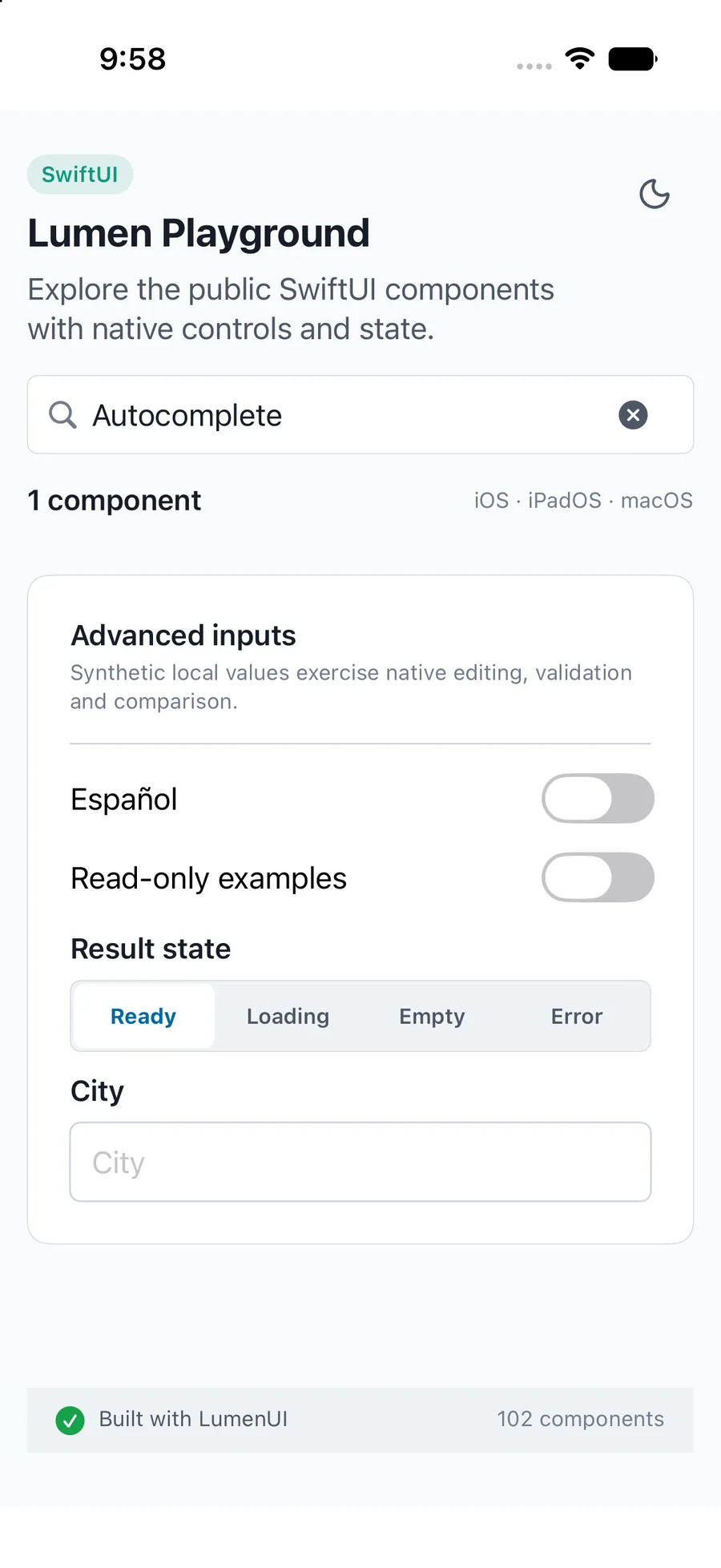
Captured exampleiPhone simulator
swift
import LumenUI
import SwiftUI

struct ProjectSearch: View {
    @State private var query = ""
    @State private var selected: String? = nil
    private let projects = [LumenAutocompleteOption(value: "lumen", label: "Lumen"),
                            LumenAutocompleteOption(value: "studio", label: "Studio")]
    var body: some View {
        LumenAutocomplete("Project", query: $query, selection: $selected,
            options: projects.filter { query.isEmpty || $0.label.localizedCaseInsensitiveContains(query) },
            emptyLabel: "No projects", dismissLabel: "Close results")
    }
}
Reference
Public API
The primary shared and platform-specific options exposed by LumenAutocomplete.
API
Values or type
Default
Description
_ label
String
Required
Names the editable search field.
query / selection
Binding<String> / Binding<Value?>
Required
Controls query and selected identity; the component clears selection on query edits.
options
[LumenAutocompleteOption<Value>]
Required
Unique Hashable values with label, description and disabled state.
loading / resultsErrorMessage / onRetry
Bool / String? / (() -> Void)?
false / nil / nil
Hides stale results and offers application-owned recovery.
Loading results / No results / Retry / Close results
Localizes status and result dismissal.
description / errorMessage
String?
nil
Provides localized supporting copy or host validation.
readOnly / .disabled(...)
Bool
false
Blocks editing; disabled state comes from the SwiftUI environment.
Native behavior
Design and accessibility
When to use it
The application supplies filtered results with unique non-null values, owns request cancellation, and clears stale selection after query edits. React Native and Compose selection emit the option label before the selected value; SwiftUI updates bindings directly.
Accessibility
Preserves native editable dropdown focus, selected and disabled option semantics, and announced loading, empty, and recovery states.